Setup
Read guide →Aquamirae Mod Minecraft 1.21.1 Guide
Current 1.21.1 loader context, safe world preparation, version matching and fresh-chunk generation advice in one installation-oriented guide.
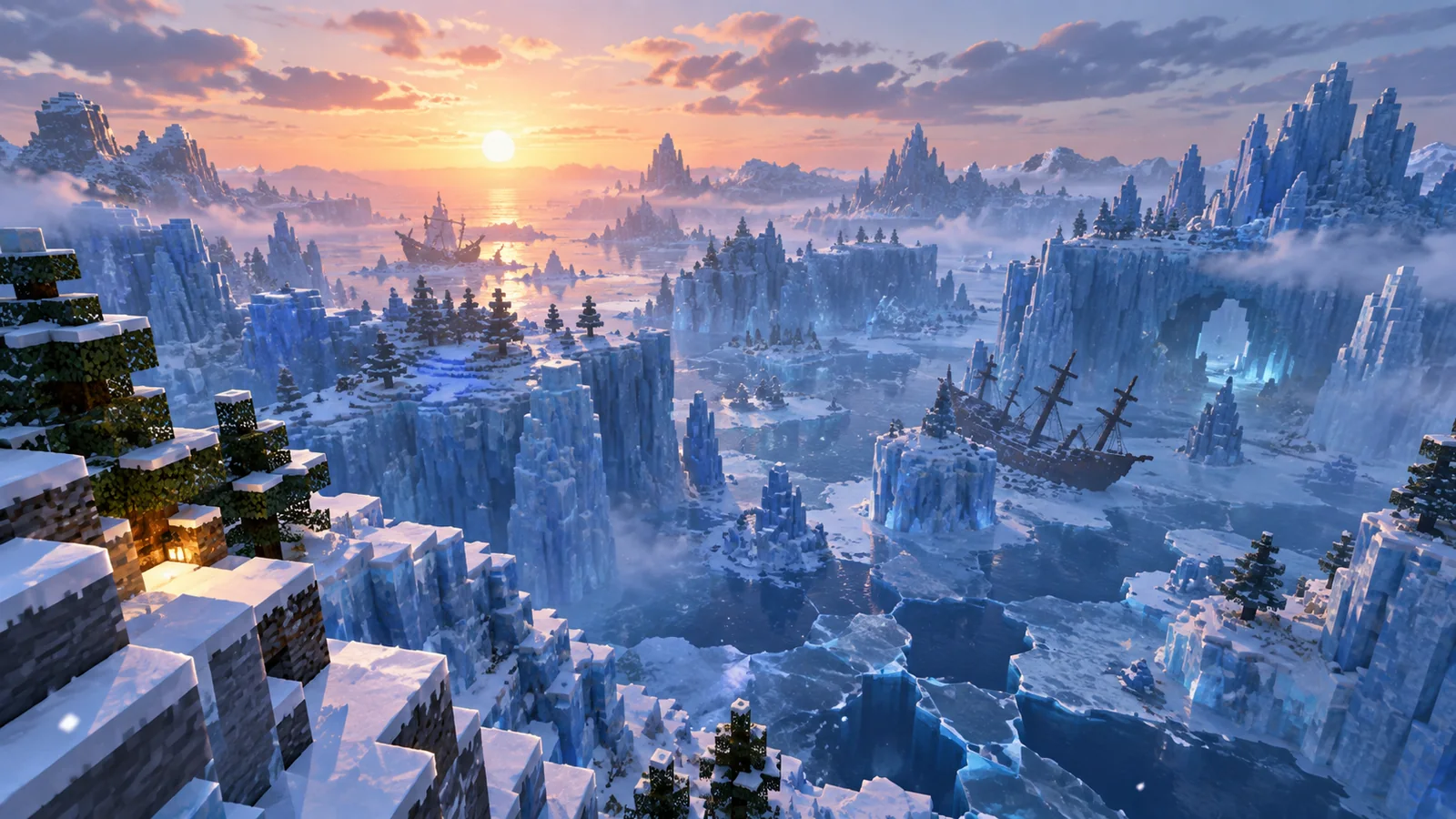
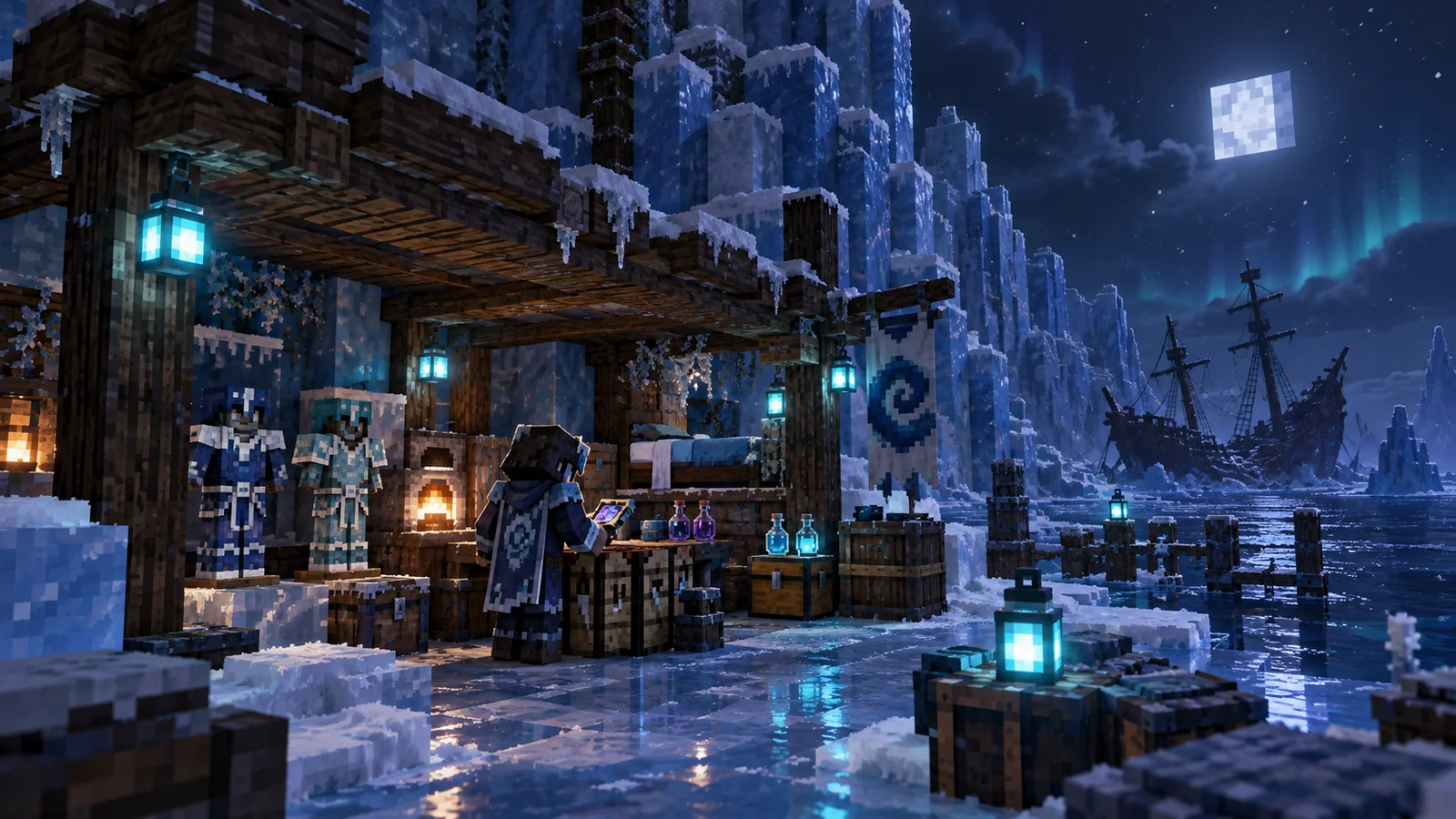
Explore Aquamirae as a frozen-ocean horror adventure for Minecraft Java Edition: dangerous Ice Maze routes, the submerged Ship Graveyard, unusual sea creatures, high-risk encounters, equipment progression and version-aware setup guidance for 1.21.1 loaders.
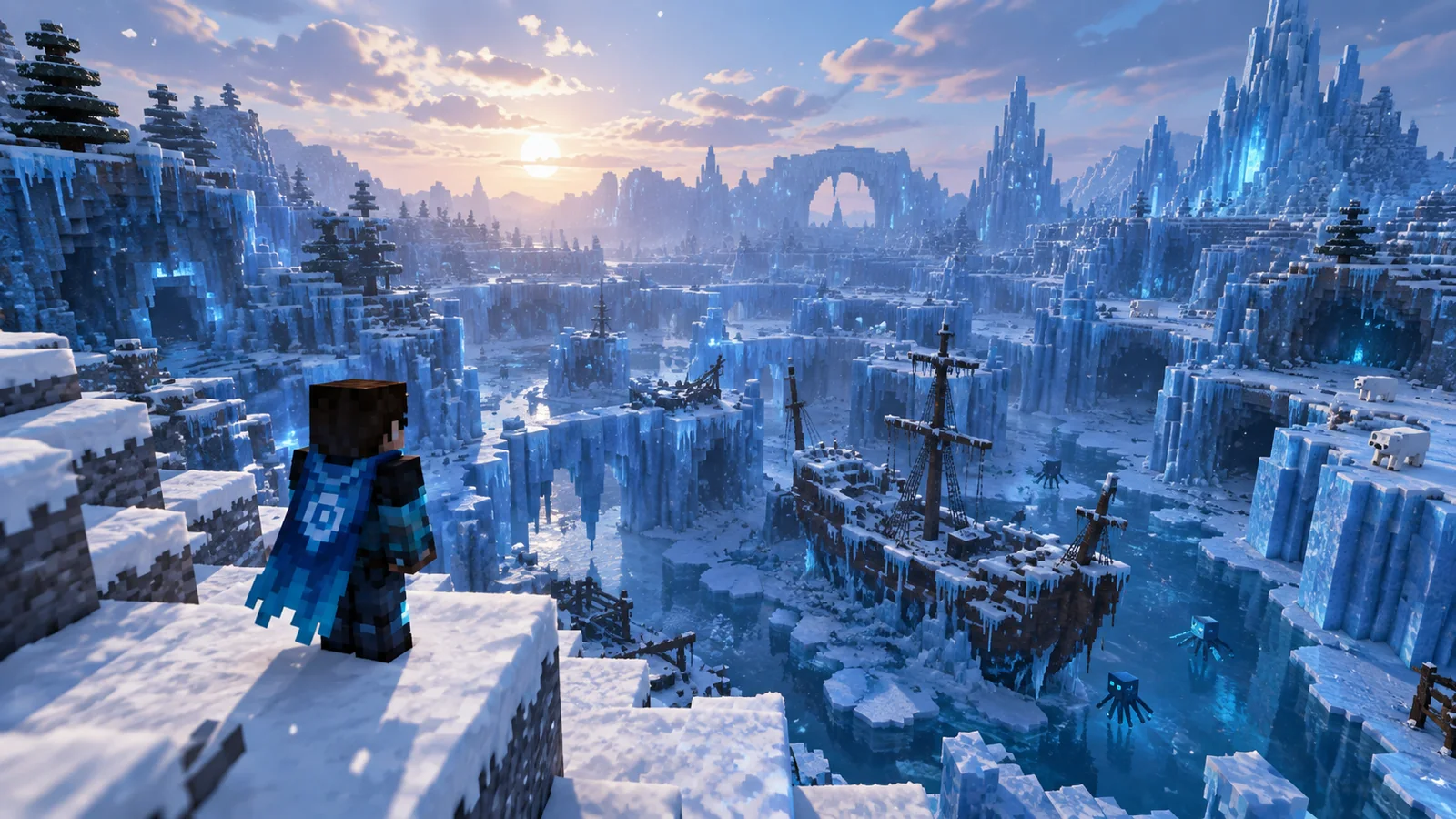
The mod’s identity comes from a connected environment rather than isolated additions. The Ice Maze creates the surface exploration layer; the Ship Graveyard extends that route below the ice with wreckage, creatures, loot, ambience and story beats tied to Captain Cornelia.
The strongest Aquamirae experience comes from how world generation, structures, mobs, gear, ambience and configuration work together across one frozen-ocean progression loop.
Newer release lines use a multi-layered maze-generation approach designed to create more readable frozen routes with better variety than dense wall-like structure clusters.
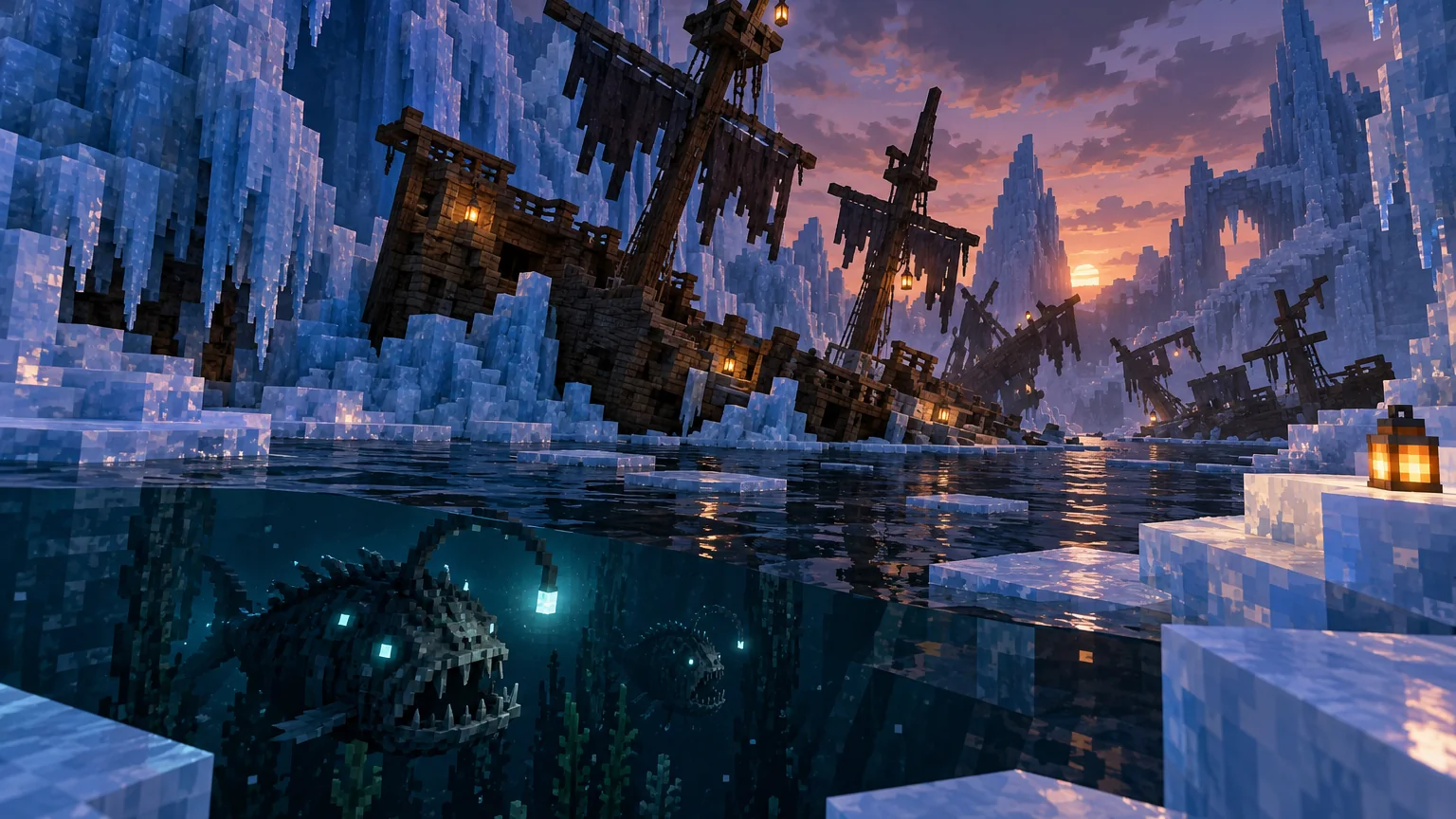
Frozen and submerged wrecks turn the biome into a layered exploration space instead of a flat surface landmark, with interiors and routes that reward careful navigation.
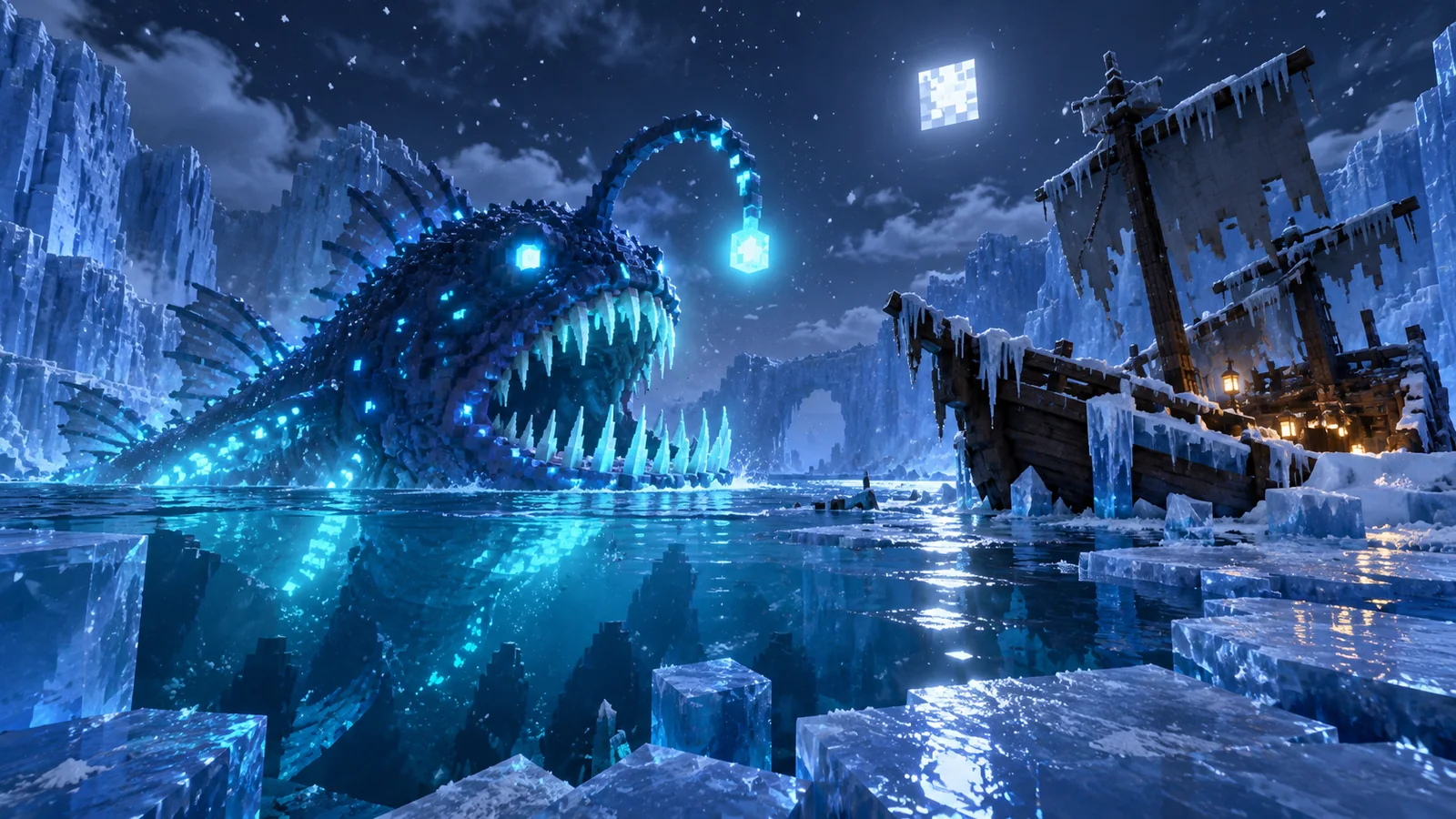
Anglerfish, Shipbreaker and other hostile creatures make the frozen ocean an ecosystem with threats that can overlap while you explore wrecks and underwater corridors.
Weapons, armor, trinkets and loot give the biome its own progression value, while version changes can alter abilities, balance and availability.
Snowfall, ambient loops, environmental details and Captain Cornelia’s storyline create a recognizable mood beyond standard biome generation.
Recent branches expose options for generation and mob behavior, useful for modpacks and servers that need predictable spawning, difficulty and compatibility.
Start with the exact Minecraft version. A 1.20.1 profile and a 1.21.1 profile belong to different release lines.
For 1.21.1, use the matching NeoForge build or the separate Fabric / Quilt edition; loader files are not interchangeable.
Aquamirae changes terrain, structures and entities. Keep a restorable copy before changing the mod list or loader.
Verify launch stability in a test world, then explore newly generated frozen-ocean terrain so Aquamirae world generation can appear cleanly.
The supplied download target is the project’s GitHub 1.21.1 branch archive. It downloads source code as a ZIP rather than a typical install-ready mod JAR.
For normal gameplay installation, use a release file that matches your exact Minecraft version and mod loader. Back up important worlds first.
For players who want a dangerous, atmospheric destination with meaningful discovery.
For packs that benefit from a recognizable frozen-ocean theme and dedicated progression.
For co-op groups prepared to keep server/client versions aligned.
For players who enjoy hostile environments, resource preparation and risky travel.
There is no one universal Aquamirae file for every setup. Identify your game version and loader first. Then use the matching release and any required dependencies listed for that build.
Download NowCopy important world folders before changing mods or loaders.
For example: Minecraft 1.21.1 with NeoForge, or 1.21.1 with Fabric.
Do not mix a Fabric build with NeoForge or a 1.20.1 build with 1.21.1.
Launch a duplicate world or fresh test world before opening your only copy.
World-generation changes can leave permanent terrain or save-state changes.
Use only dependencies and loader versions required by the exact release you install.
The supplied ZIP is source code. Do not treat a source archive as an install-ready JAR.
Release context changes over time. The 6.2.0 line documented a major Ice Maze generation overhaul using a multi-layer noise system; later 7.x changes continued revising world generation, structures, mobs and progression. Treat the version table above as a dated compatibility snapshot and always match the exact file to your loader.
First isolate the loader branch, Minecraft version and required dependencies. Then test Aquamirae in a minimal profile before reintroducing the rest of the modpack.
Confirm the mod loaded, then move into unexplored frozen-ocean terrain. Existing chunks do not automatically rebuild themselves around new world-generation rules.
Compare the same area without shaders, then lower render and simulation distance. This separates GPU-heavy ice/water rendering from entity or chunk-generation load.
Current 1.21.1 loader context, safe world preparation, version matching and fresh-chunk generation advice in one installation-oriented guide.
Installation, Bedrock compatibility, Ice Maze exploration, troubleshooting and performance tuning.
Exactly twenty focused answers covering setup, compatibility, gameplay and safety.
Aquamirae is a Minecraft: Java Edition adventure and world-generation mod that expands frozen oceans with the Ice Maze, Ship Graveyard, creatures, equipment, atmosphere and progression content.
Yes. Project listings checked in September 2026 show 1.21.1 releases for NeoForge and for the Fabric/Quilt edition. Always match the mod file to your exact game and loader version.
No standard Java mod-loader build is intended for Bedrock Edition. Aquamirae is distributed for Minecraft: Java Edition loaders such as NeoForge, Forge, Fabric and Quilt, depending on game version.
Yes for supported versions. Minecraft 1.21.1 has NeoForge builds; verify the exact mod and loader versions before installation.
Yes. A separate Fabric edition is available for supported versions, including 1.21.1. Fabric builds may also support Quilt where the project lists it.
Forge remains relevant for supported older branches such as 1.20.1. For 1.21.1, current project listings emphasize NeoForge on the Neo/Forge edition.
The project is listed for both client and server environments. Every player and the server should use compatible game, loader, dependency and mod versions.
A new world is the cleanest way to experience world-generation content. Existing worlds can only generate new structures and biomes in unexplored chunks, and changing world-generation mods always deserves a backup first.
The mod focuses on a frozen-ocean experience built around the Ice Maze and the submerged Ship Graveyard, with structures, creatures and progression tied to those areas.
No. The supplied primary download URL is a GitHub branch source archive in ZIP format. It should be treated as source code unless you specifically know how to build or use it. For normal play, use a release file that matches your loader and game version.
Shipbreaker is a large leviathan-style threat associated with the mod’s frozen-ocean content. Treat it as a major environmental danger and follow the behavior of the specific version you are playing.
Players commonly use “leviathan” as a descriptive term for Shipbreaker because of its scale and sea-monster role. The exact in-game name to look for is Shipbreaker.
Back up your world, confirm your Minecraft version, confirm the loader, review required dependencies for that release, and avoid mixing files built for a different loader.
The most common causes are a wrong game version, wrong loader, missing dependency, incompatible dependency version or a conflict with another mod. Test with a minimal mod set and read the latest crash report.
World-generation content may be far from spawn and only appears in suitable newly generated terrain. If you added the mod to an existing world, travel into chunks that were never generated before.
Any content-heavy world-generation and creature mod can add load. Reducing view distance, simulation distance and other heavy settings, then testing without shader packs, can help isolate performance issues.
No modded change is risk-free. Make a full backup first, keep a copy of the exact modpack versions, and test the change on a duplicate world before committing.
Removing a world-generation mod can leave missing blocks, items, entities or structures in existing saves. Back up first and prefer testing removal on a copy rather than your only world.
Aquamirae has changed across Minecraft and loader versions. Guides for 1.20.1 may not perfectly match 1.21.1, and Forge behavior can differ from NeoForge or Fabric builds.
No. This is an independent information website and is not affiliated with Aquamirae Mod, its creators, GitHub, CurseForge, Modrinth or other third-party platforms.